
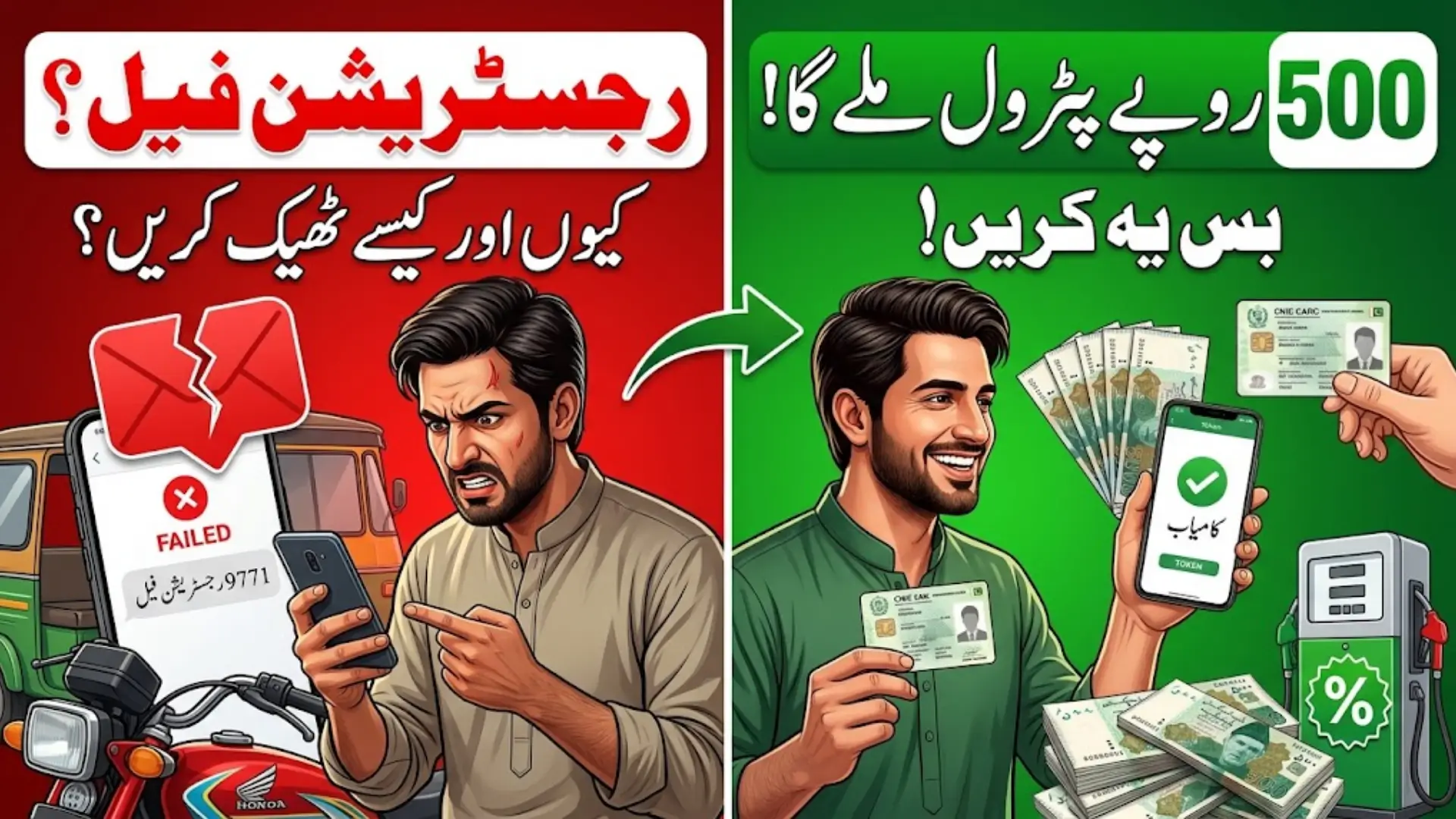
9771 Registration Failed? How to Fix SMS Error for Rs. 500 Petrol Subsidy
9771 Registration Failed
9771 Registration Failed If you have sent an SMS to 9771 for the Prime Minister’s Fuel Relief Scheme but received a Registration Failed message, the problem may be with the information provided in your SMS or its match with the official vehicle record.
The most common things to check are your 13-digit CNIC, SIM ownership, vehicle number, registration province, registration date, and SMS format. Correct the information from your original documents before sending the SMS again.
You Can Also Read: CM Punjab E-Bike Scheme 2026
Quick Check Before Sending 9771 SMS
Before trying again, check these details carefully:
- Your CNIC has all 13 digits.
- The SIM being used is registered against the relevant CNIC.
- The vehicle number matches the registration document.
- The province letter matches the vehicle’s registration region.
- The original vehicle registration date is correct.
- The SMS follows the required order and format.
If all these details are correct but registration still fails, the issue may be related to an ownership or vehicle-record mismatch, eligibility, or a temporary technical problem.
9771 Petrol Subsidy SMS: Information You Need
The registration SMS requires several pieces of information. According to the information provided, the basic structure starts with REG, followed by the applicant’s CNIC, vehicle number, province letter and vehicle registration date.
The information should be taken from your actual documents rather than an old receipt, purchase record, or information copied from an unofficial website. This is particularly important where the vehicle has changed ownership or its record has recently been updated.
9771 SMS Example
A dummy example of the registration message is:
REG 1234512345671 ABC123 P 15092020
Here, each part has a specific purpose:
- REG — registration command
- 1234512345671 — dummy 13-digit CNIC
- ABC123 — dummy vehicle number
- P — province/region code
- 15092020 — dummy registration date
The example is for understanding the structure only. Do not use another person’s CNIC or vehicle information.
You Can Also Read: Pink Scooty Scheme 2026 Registration
CNIC and SIM Issues That May Cause an Error
A simple typing mistake in the CNIC can prevent the system from verifying your information. Enter all 13 digits carefully, without unnecessary dashes or spaces where the published format requires them.
The SIM used for registration is also important. The supplied information states that the SIM should be registered against the applicant’s CNIC. If the SIM and CNIC details do not match, this may cause the registration to fail.
Before sending another SMS, check the following:
- Re-enter the CNIC directly from your identity card.
- Make sure no digit has been changed.
- Confirm that the SIM is registered to the relevant CNIC.
- Do not use a different person’s CNIC or SIM to submit the registration.
Vehicle Information Can Also Cause 9771 Failure
Your vehicle details need to match the official registration record. A wrong number, missing character, or incorrect vehicle information can result in a failed registration.
Ownership information can also matter. For example, if a vehicle has recently been transferred but the official record has not been updated, the information submitted through SMS may not match the database.
Check your registration book or smart card and compare it with the information you are entering. If the official excise record itself contains an error, repeatedly sending the same SMS will not correct that record.
You Can Also Read: Punjab E-Bike Scheme 6 Days Left
Check the Province Letter and Registration Date
The province or region should be based on where the vehicle is registered, rather than where the owner currently lives. For example, a person living in Sindh but owning a motorcycle registered in Punjab should use the relevant Punjab registration code.
| Province/Region | Code |
|---|---|
| Punjab | P |
| Sindh | S |
| Khyber Pakhtunkhwa | K |
| Balochistan | B |
| Islamabad | I |
| Azad Jammu & Kashmir | A |
| Gilgit-Baltistan | G |
The registration date should also be checked carefully. Use the original vehicle registration date from the relevant official record rather than automatically using the purchase date, transfer date, or today’s date.
What to Do If 9771 Says Invalid Command
An Invalid Command response is different from a normal registration failure. It can happen when the SMS command is typed incorrectly or the required information is missing or placed in the wrong order.
Check that REG is written correctly and that the information follows the required sequence. Also look for unnecessary characters, incorrect spacing, or missing details. After correcting the format, send the properly prepared SMS rather than trying multiple different formats.
You Can Also Read: E Bike Scheme PITB e-Balloting Date
SMS Sent to 9771 but No Reply
Sometimes the problem is not registration verification at all. Your SMS may be successfully sent but you may not receive an immediate response.
First check whether the message appears in your sent messages and whether your mobile network is working properly. Also make sure your SIM is able to send SMS.
If the message has been sent but there is no response, a delay may be involved. The supplied information suggests waiting for a possible service delay, but the 24-hour timeframe is not officially verified. Avoid repeatedly sending incorrect or changing information while waiting.
Registration Failed Even When Your Details Are Correct
If you have checked your CNIC, SIM, vehicle number, province and registration date and everything appears correct, the problem may be in the underlying vehicle record rather than your SMS.
This can happen when ownership information is not updated or the details in the registration database differ from the documents you have. In such a situation, sending the same information again is unlikely to solve the underlying record problem.
You should also check whether the vehicle has already been registered. If the system says “Already Registered,” look for the previous confirmation instead of creating another registration.
Simple Way to Troubleshoot the 9771 Error
Follow these steps in order:
- Check all 13 CNIC digits.
- Confirm the SIM is registered against the relevant CNIC.
- Compare the vehicle number with the registration document.
- Check the vehicle’s registration province.
- Confirm the original registration date.
- Review the complete SMS structure.
- Correct any error before sending again.
- Save the response received from 9771.
If the information is correct and the same problem continues, the issue may require checking the official vehicle record or waiting for a technical problem to be resolved.
You Can Also Read: CM Ebike Phase 2 Registration
What Happens After Successful Registration?
Once registration is accepted, a confirmation message should be received. Keep this message because it may be needed during the later stages of the relief process.
The supplied information states that after registration, users can request a fuel token by sending TOK to 9771. The token is then presented at the participating fuel pump for the applicable relief.
Keep your registration confirmation and token messages safely. If there is a problem at a fuel pump, the provided information says that 9772 is a control-room number for pump staff, rather than a general registration number for applicants.
How the Rs. 500 Petrol Relief Works
The fuel relief provides Rs. 100 per litre of petrol relief for eligible users. The Rs. 500 amount refers to the value of a relief token rather than a general cash payment.
According to the information provided, the initial arrangement was based on a five-litre token worth Rs. 500. This was later revised around September 18–19, 2026, with a Rs. 500 discount valid for seven days rather than being tied to a five-litre limit.
For two- and three-wheelers, the supplied information states that up to four such tokens may be available in a month, subject to the scheme’s applicable rules. Because the scheme has undergone revisions, users should check the latest government instructions before relying on older token or eligibility information.
Important Safety Tips
When registering for the fuel relief scheme, use information from your own documents and rely on official announcements for changes to the scheme.
Do not give your CNIC, OTP, bank information, or other personal details to unknown callers or agents claiming they can fix your registration. Also be careful with unofficial websites or social media posts that provide an outdated SMS format.
If the problem is caused by an incorrect official vehicle record, it needs to be corrected through the relevant authority rather than by repeatedly sending SMS messages.
You Can Also Read: Fuel Subsidy Scheme 9771 SMS
Final Words
A 9771 Registration Failed message should first be treated as a verification or information problem. Check your CNIC, SIM, vehicle details, registration province, date and SMS format carefully before trying again.
If everything matches your official records but the error continues, check for an ownership or database mismatch and follow the latest official instructions for the fuel relief scheme




One Comment